Plyvio

Technology preview · 0.1.0 GitHub

A PGN-based chess library and analysis tool that installs from your browser.

A desktop app, not a service.

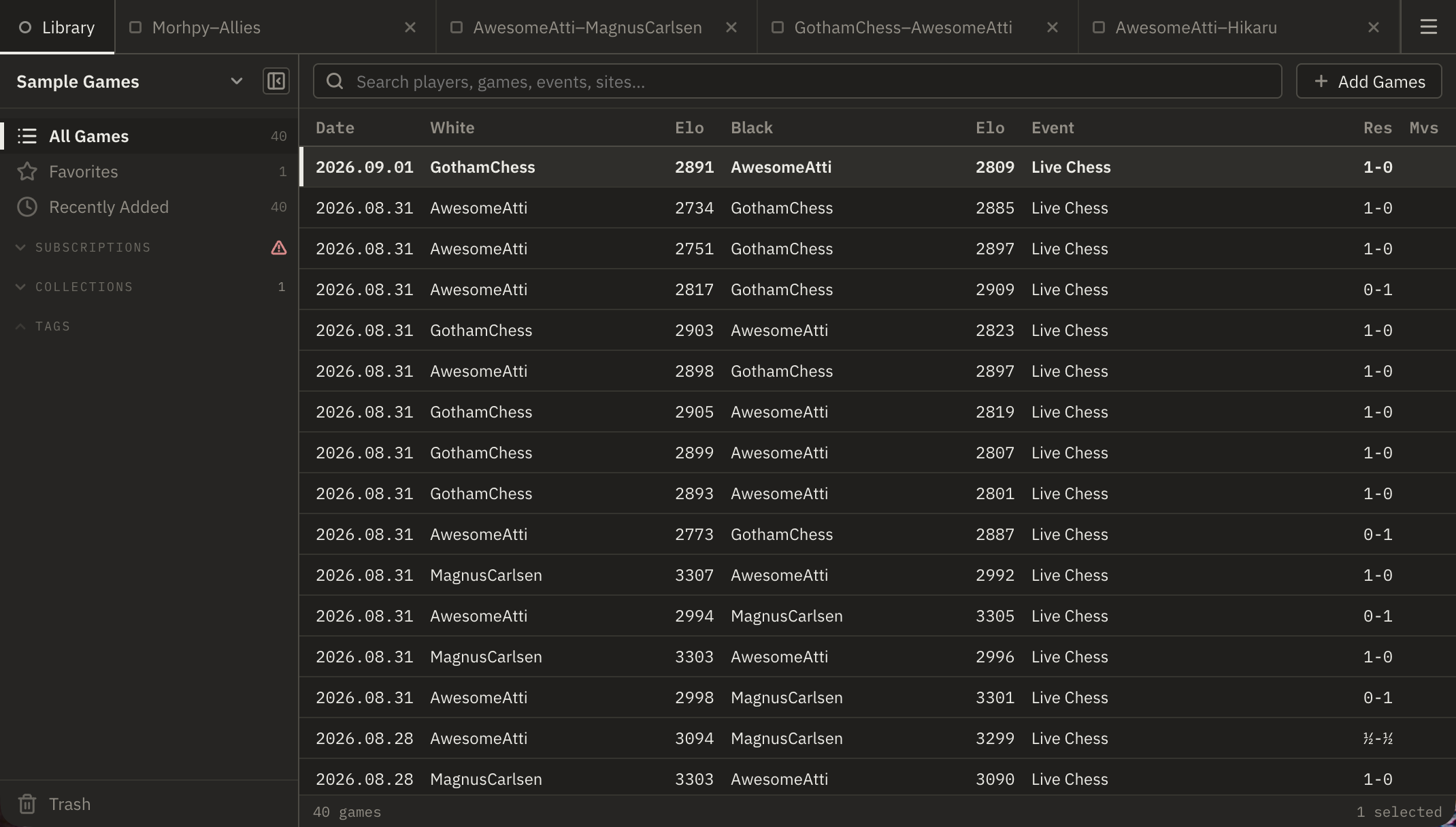
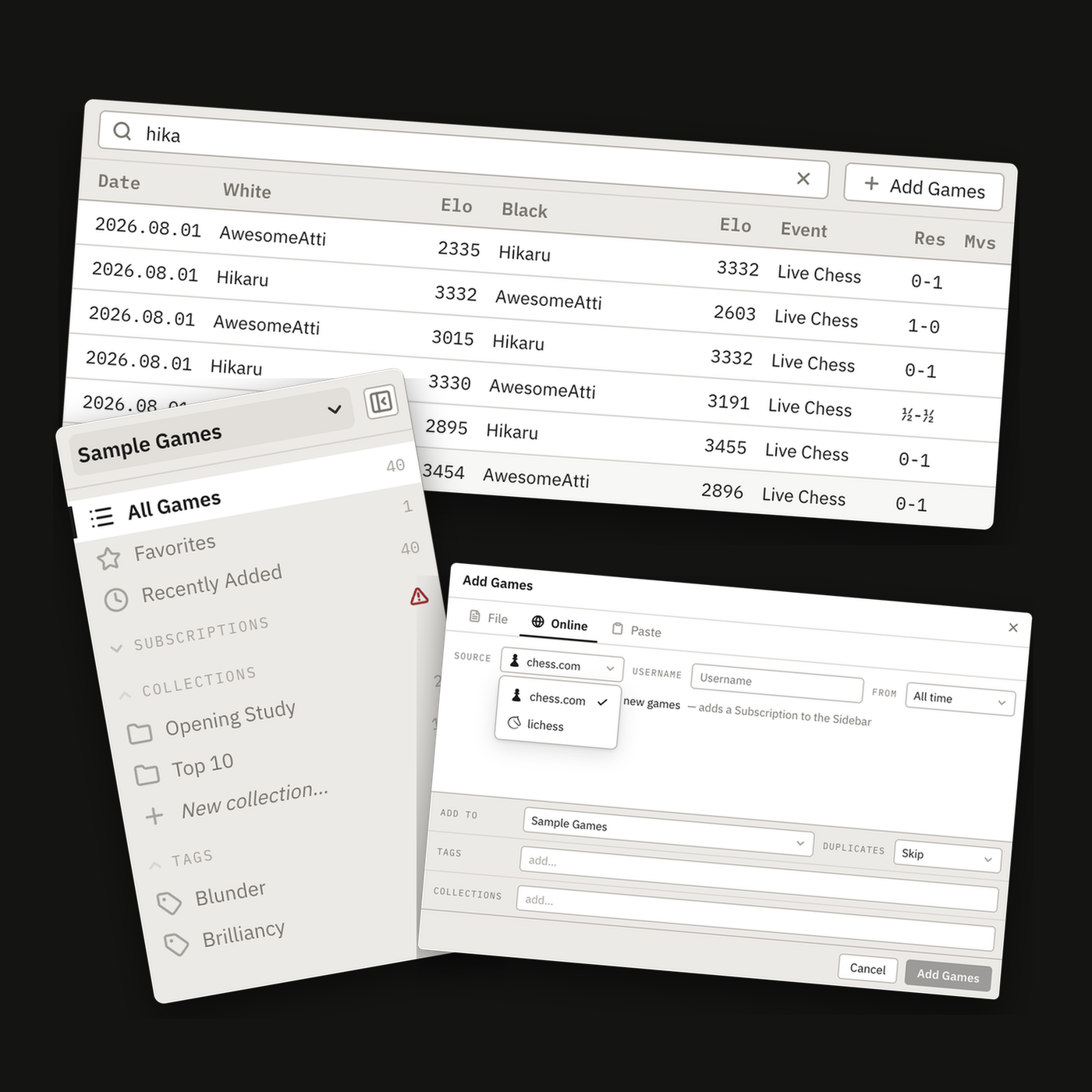
The Library workspace: sidebar of collections, tags and subscriptions at the left, a search field and a table of games at the right.
Launch the preview →

Opens in this browser · no download, no account · runs on sample data

Opening

What it is made of

under the hood

Modern development tools and current libraries throughout — nothing stale, nothing outdated, every dependency carefully selected.

Chess software has a habit of ageing in place. This is built on current releases and nothing else — a modern reactive framework, SQLite for storage and fast retrieval, and the board and rules engines Lichess itself runs. That is the part you notice: a board that looks like the one you already play on and stays crisp at any size, searches that come back at once, and an application smaller than a single photograph.

Framework
Svelte
5.57.0 · runes

Compiles the interface ahead of time, so very little framework code ships with it.

Storage
SQLite
3.53.4

Games live in a proper database, not a pile of text files. That is what makes real game management possible — collections, tags, filters and a search that answers across thousands of games.

Board
Chessground
10.1.1 · Lichess

The board itself — dragging, animation, arrows, coordinates.

Rules
chessops
0.15.1 · Lichess

Move parsing, SAN, and checking that every move is legal.

Icons
Lucide
1.41.0

One open icon set, bundled with the application rather than fetched.

Runs as
Installable PWA

Install from the browser and it opens in its own window, like any other desktop application.

Standalone
Not a service

Syncing adds games when you're online. Everything else already works.

Download
470KB
first visit, compressed
Installed
1.0MB
31 files on your device

Everything is inside that figure

Application Fonts Icons Themes Translations Every dependency

One download and it is yours. No installer, no runtime to fetch, no second step.

Excludes your game library, which grows with the games you add

Middlegame

A modern application

the same on every platform

Plyvio behaves like the applications you already use. Nothing here has to be learned twice.

01 Navigation

Browser-like navigation you already know

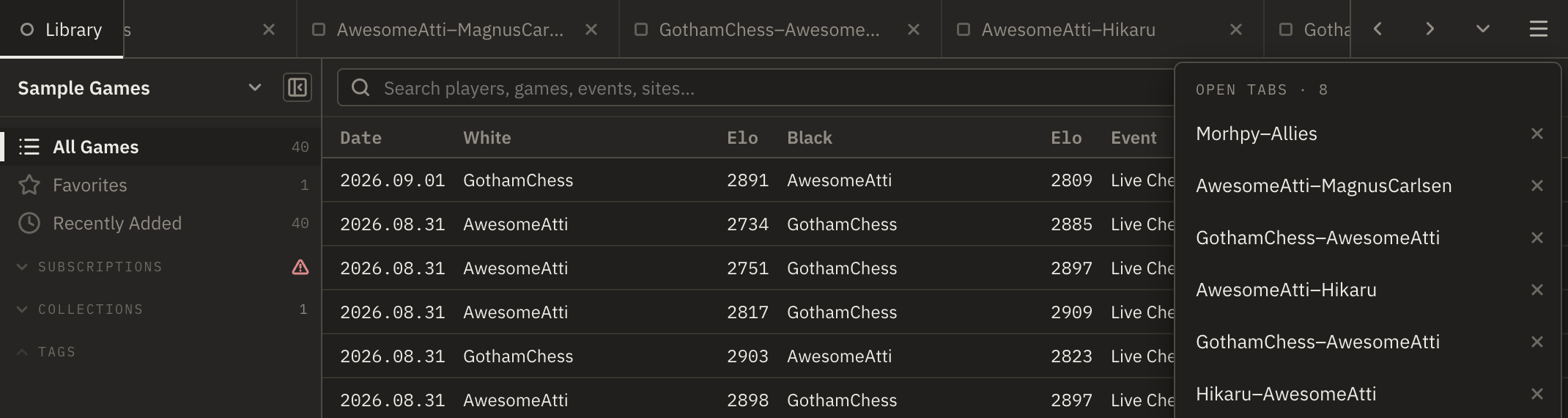
Every game you open takes its own tab, and you move between them the way you move between pages in a web browser. The Library stays pinned at the left, so there is always a way back to it.

The tab bar: a pinned Library tab, two game tabs and a Settings tab, with the application menu at the right.
Cross-platform
macOS · Windows · Linux
Theme
Light and dark
Languages
EN · DE · FR
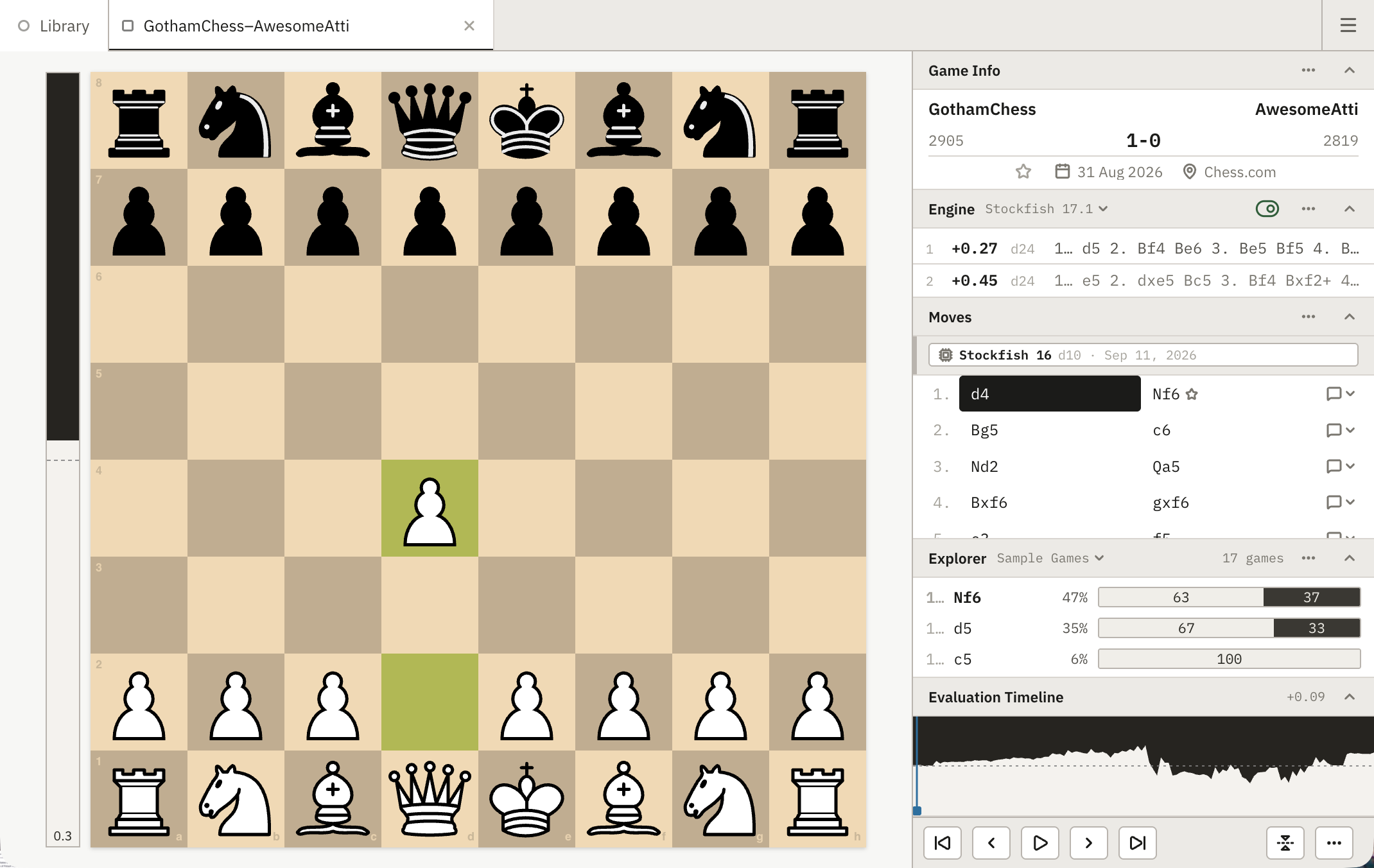
The Library workspace in the light theme. The same Library workspace in the dark theme.

Follows your system unless you choose · the same window, the same layout, either way

Endgame

The workspaces

Library · Game · bring your own

Two places to be: one for finding a game, one for studying it.

02 Library workspace

The Library content area with a collection selected, the search field scoped to it.

Familiar before you have learned it

Searching, filtering and managing games looks and behaves the way modern media management applications already do — the same interface you know from the apps that hold your photos, music and video.

PhotosMusicVideo Games

A sidebar for collections, tags and subscriptions. A search field that narrows the table as you type, and a table built for thousands of games rather than dozens. Double-click a row and the game opens in its own tab.

ListSearchFilterManage

Import games from online sources, or subscribe and keep receiving them.

FilePGN already on your machine
Onlinefollow a player on chess.com or lichess
Pastemovetext straight into the dialog
Subscribechecked periodically · new games arrive on their own
chess.comlichess

03 Game workspace

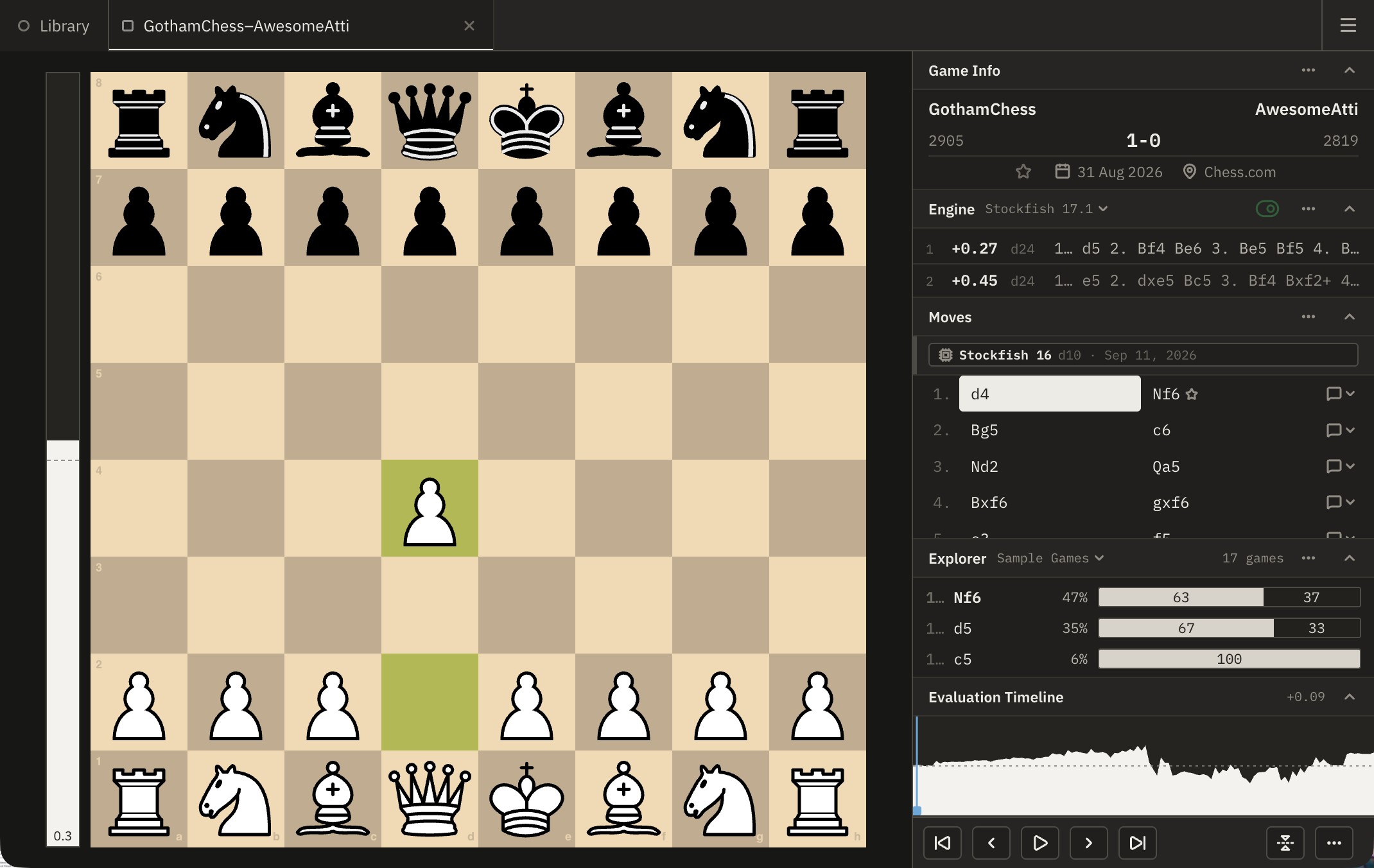
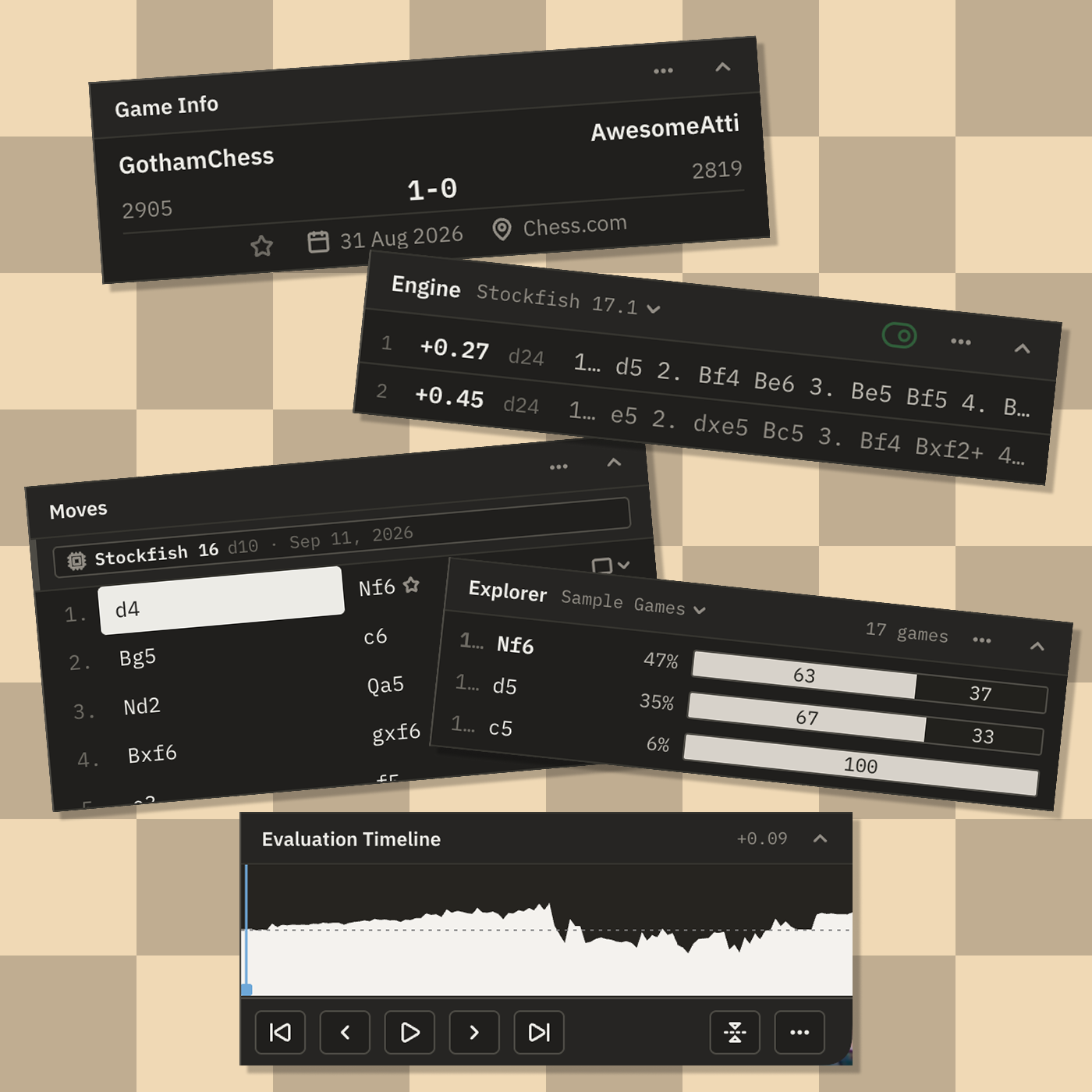
The Game workspace: the board with its evaluation bar, and the Game Stack at the right. The Game Stack: Game Info, Engine, Moves, Explorer, the Evaluation Timeline and the game controls.

The game, front and centre

The board takes the room. Beside it stands The Game Stack — every piece of information about the game, stacked in one column and ready for analysis — and a scrubber — the Evaluation Timeline, anchored above the game controls — that runs the moves forward and in reverse.

The Game Stack includes the analysis tools every serious chess player needs.

1Game Infoplayers, event, result, tags
2Engineevaluation and principal variations
3Move Listthe score — takes the surplus height
4Explorerwhat was played from this position
Evaluation Timelinethe scrubber · anchored above the controls
Game Controlstransport, never scrolls away

04 Bring your own — engines and databases

Bring your own — or install one in a click

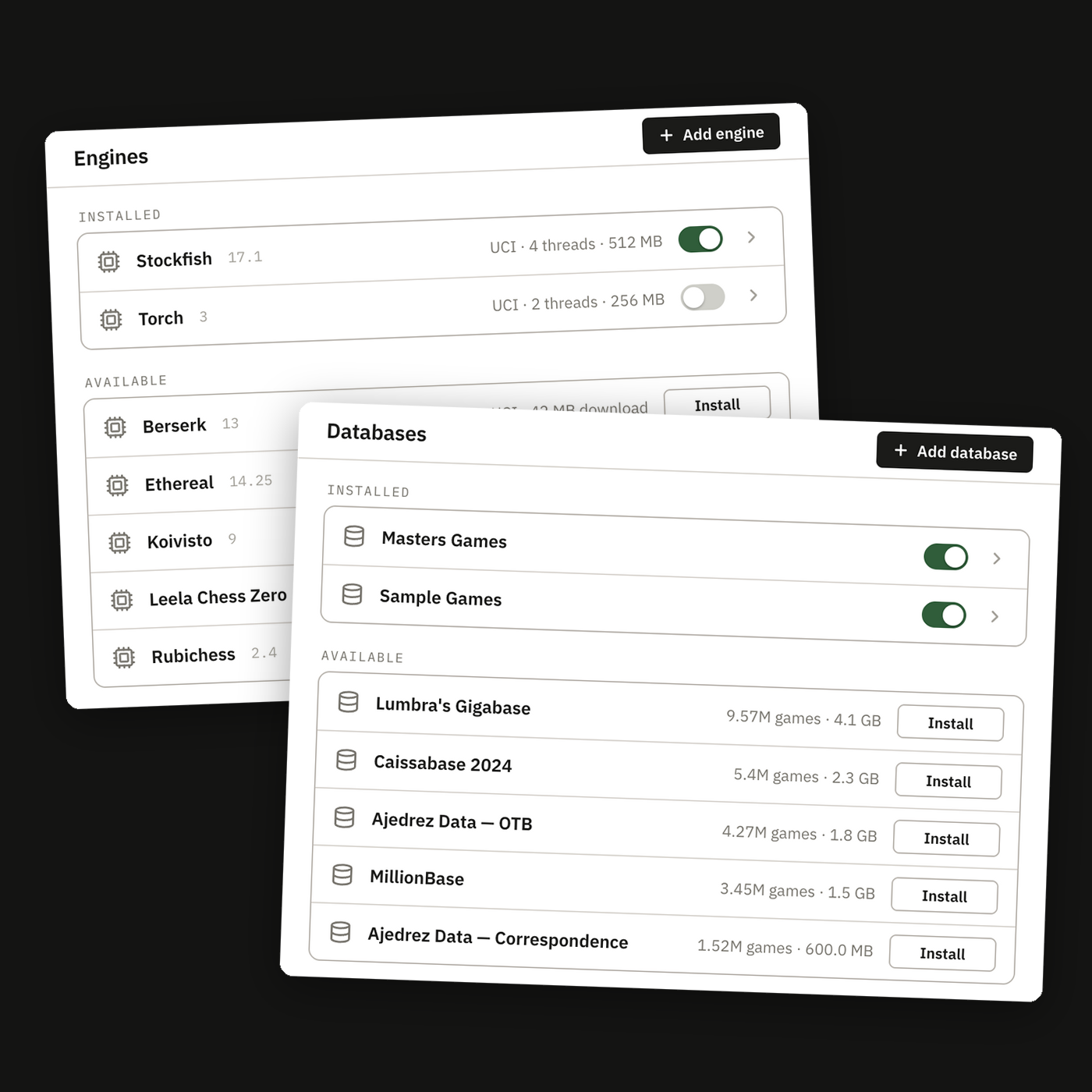
Engines and databases work the same way: a list of what is installed, and a list of what is available. Install a popular one with a single click, or register a binary or database file you already have. Both are offered for convenience; neither is required.

Engines
Download, or point at your own binary

Threads and hash are yours to set.

Databases
Download indexed and ready, or add a file

A downloaded database arrives indexed — no wait before you can search it.

One click to installOr use your ownOffered for convenience — neither is required
The Engines section: installed engines with their thread and hash settings, and available engines each with an Install button.

Install

Chrome

Install icon at the end of the address bar, or menu → Install.

Safari

FileAdd to Dock.

Edge

Install icon at the end of the address bar, or menu → Apps.

Licence

GPL-3.0or later

Free software under the GNU General Public License, version 3 or later. It has to be: Chessground and chessops are both GPL, and both are compiled into the application.